GPT Image 2.5 AI Image Generator
Give your next idea a clearer picture. Create natural-looking images, explore a new visual direction, or refine a reference photo with GPT Image 2.5.
Add reference images (optional)
Click to upload your images
Start with a photo for image editing, or use a prompt to create something new.
0/5000
MADE WITH GPT IMAGE 2.5
One model. Many creative directions.
Original examples generated for Vidflux: a product launch, a studio portrait and a typography-led campaign.
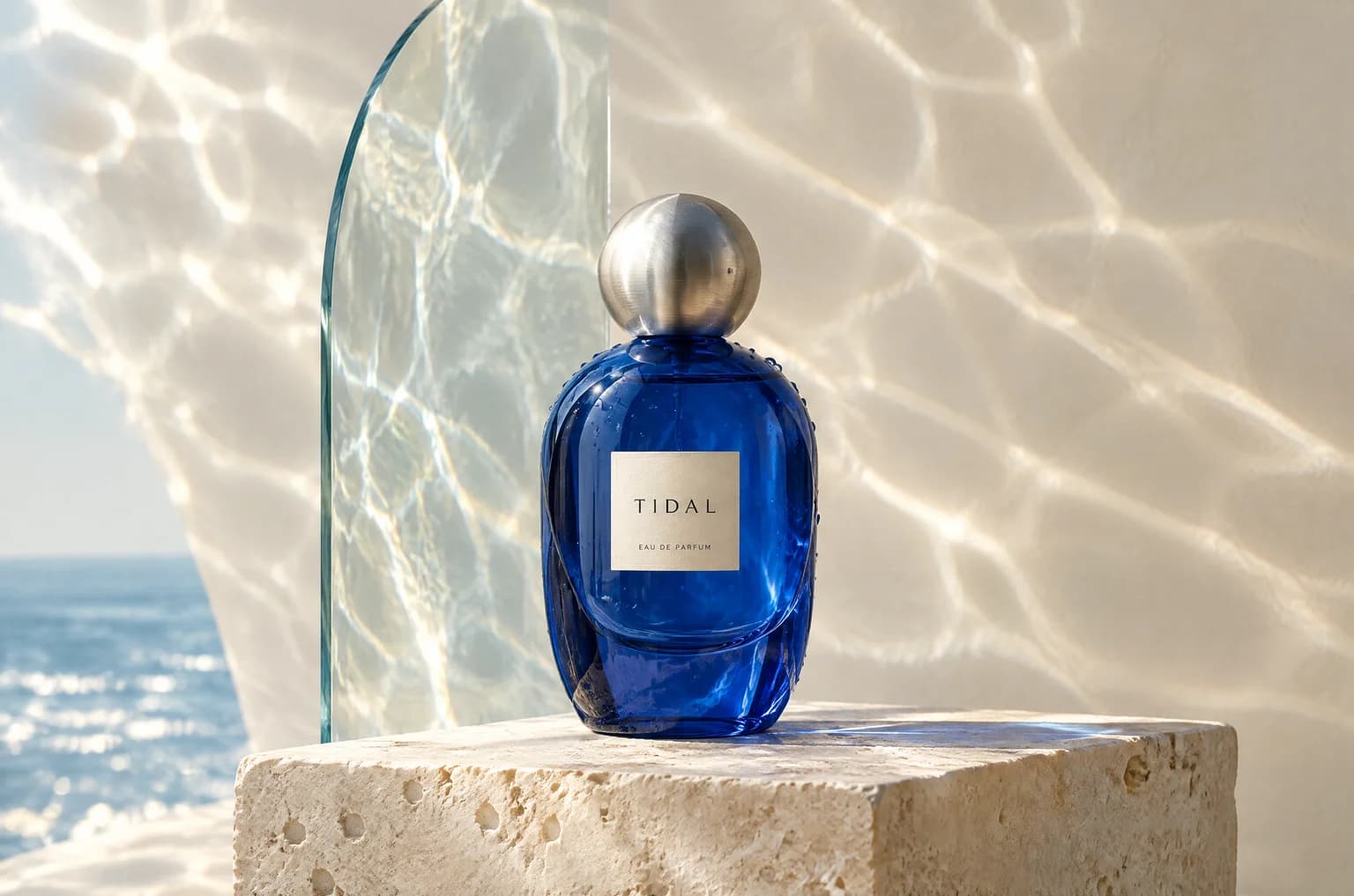
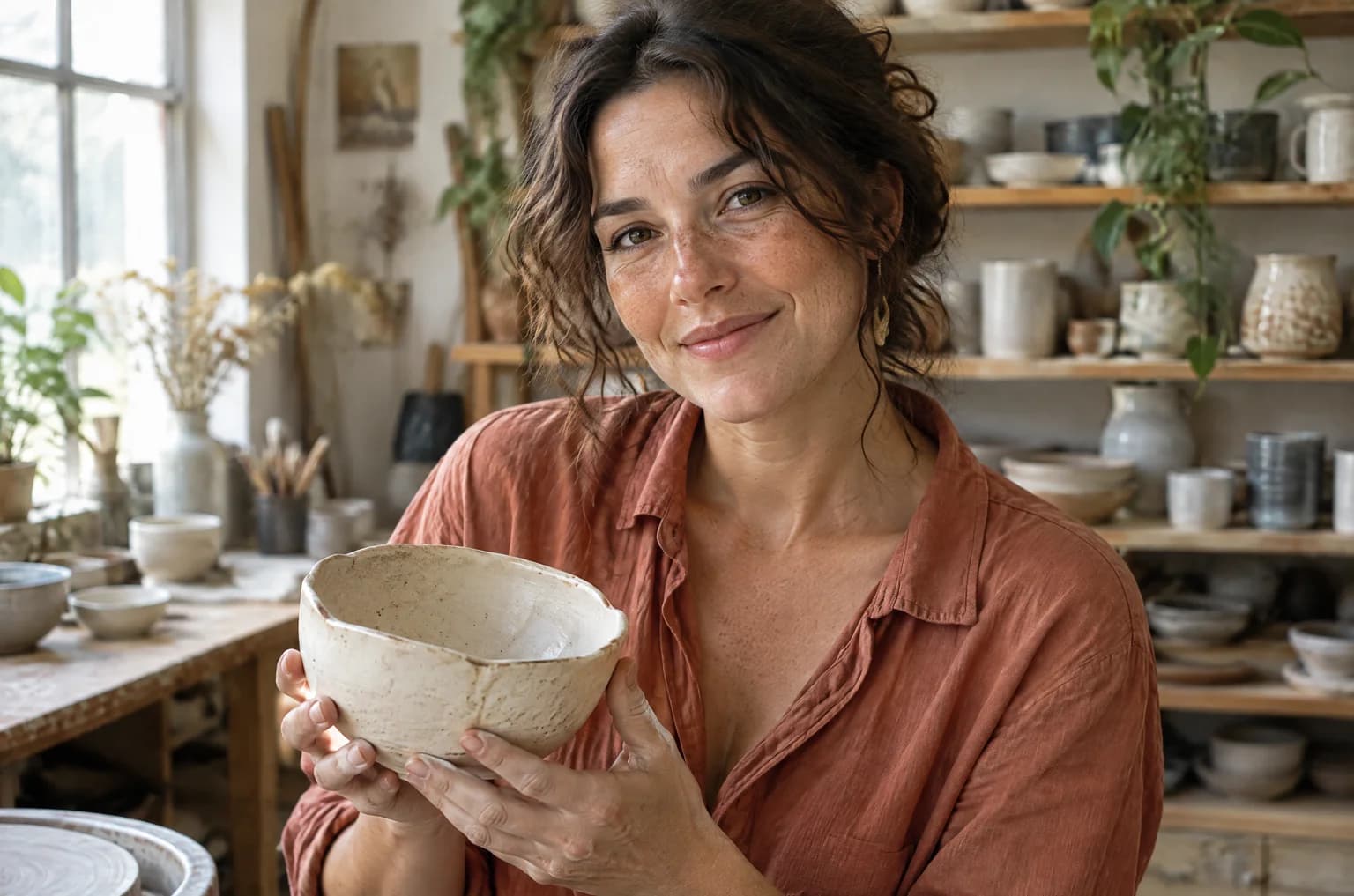
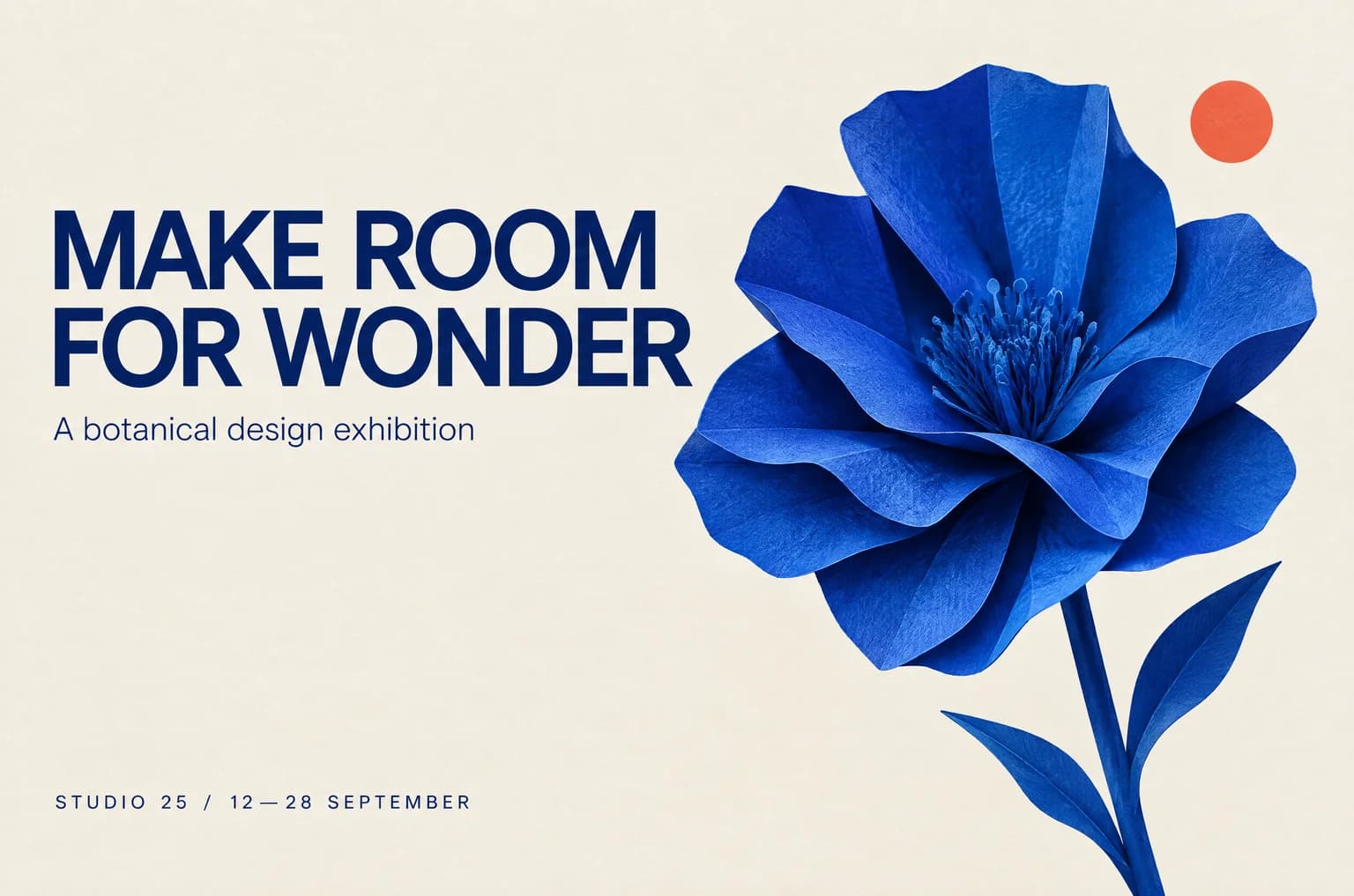
LIGHT, TEXTURE & DETAIL
Let the small details tell the story
Natural light, tactile surfaces and carefully composed scenes give your visuals a sense of place. Try describing glass reflections, linen texture or the direction of a window light.
REFERENCE-BASED EDITING
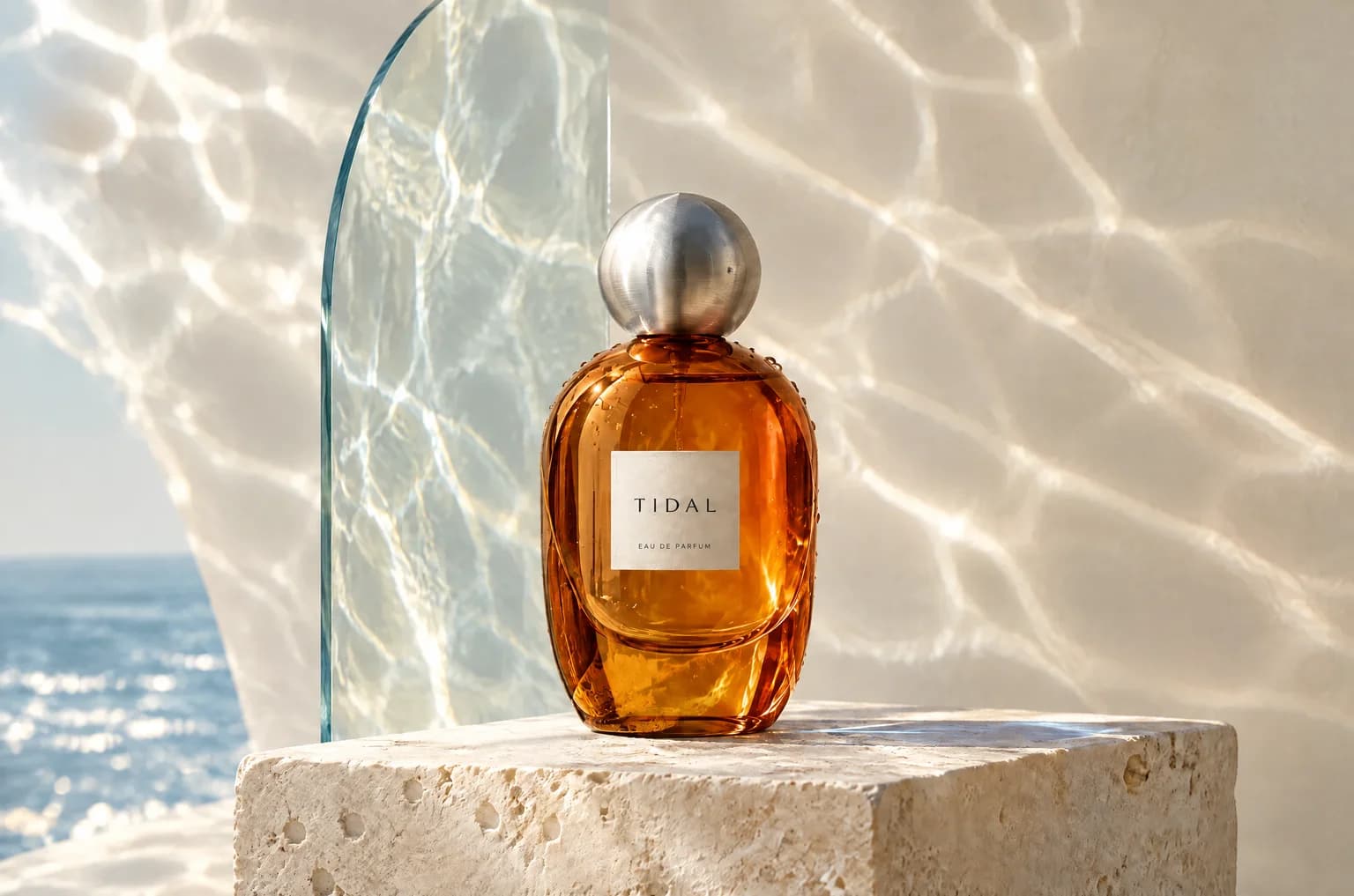
A new color. The same creative direction.
The amber bottle is a real image-to-image edit of the blue original. The instruction asks for a glass-color change while keeping the cap, label and composition. Use reference images to guide changes like this in your own work.
LAYOUT & TEXT
Build a visual around your brief
Specify the words, colors, subject and placement in one prompt. For this exhibition poster, we asked for a blue paper flower, an ivory background and a two-line headline. Check the text in your result before publishing.
ITERATE WITH REFERENCES
Keep developing the image you like
Download a result and upload it as the next reference. Ask for a focused adjustment, review the output, then continue. GPT Image 2.5 is designed to maintain more consistency through successive edits.
From an idea to your next image
- 01
Describe the result
Start with the subject, purpose and style. Add a reference photo when you want to edit an existing image.
- 02
Choose your format
GPT Image 2.5 is selected above. Pick an aspect ratio and 1K, 2K or 4K resolution, then check the displayed credit cost.
- 03
Generate, review, download
Create your image and inspect the result. Download it, or upload it again to guide another edit.
Choose credits for your next creation
Use Vidflux credits to generate and edit images. GPT Image 2.5 costs 20 credits at 1K, 30 at 2K and 40 at 4K per output. Confirm the total in the editor before generating.
GPT Image 2.5: your questions, answered
A few useful details before you create.
What can I make with GPT Image 2.5?
You can create images from a written prompt or use uploaded images as references. Try a product scene, a portrait, a campaign poster or an illustrated concept.
Which GPT Image 2.5 version does Vidflux use?
This page selects GPT Image 2.5 Flare for image generation and editing. Sunburst is a separate model option offered by the provider; it is not the model selected on this page.
Can I change just one part of an image?
Upload the image and describe the specific change, including the details you want to preserve. Results can vary, so review the surrounding areas too. This editor uses written instructions and reference uploads.
What image sizes are available?
Choose 1K, 2K or 4K in the editor, along with the aspect ratio that fits your project. The exact pixel dimensions depend on your selected format.
How much does a generation cost?
The editor shows the credit cost before you generate. Cost depends on resolution and the number of outputs. See the pricing section for available Vidflux credit plans.
Were these examples made with GPT Image 2.5?
Yes. The product photo, portrait and poster were generated with GPT Image 2.5 Flare. The amber product photo was made by editing the blue bottle image with the same model family.
Your next image starts with an idea
Bring a prompt or a reference. Make something with GPT Image 2.5.
Create with GPT Image 2.5