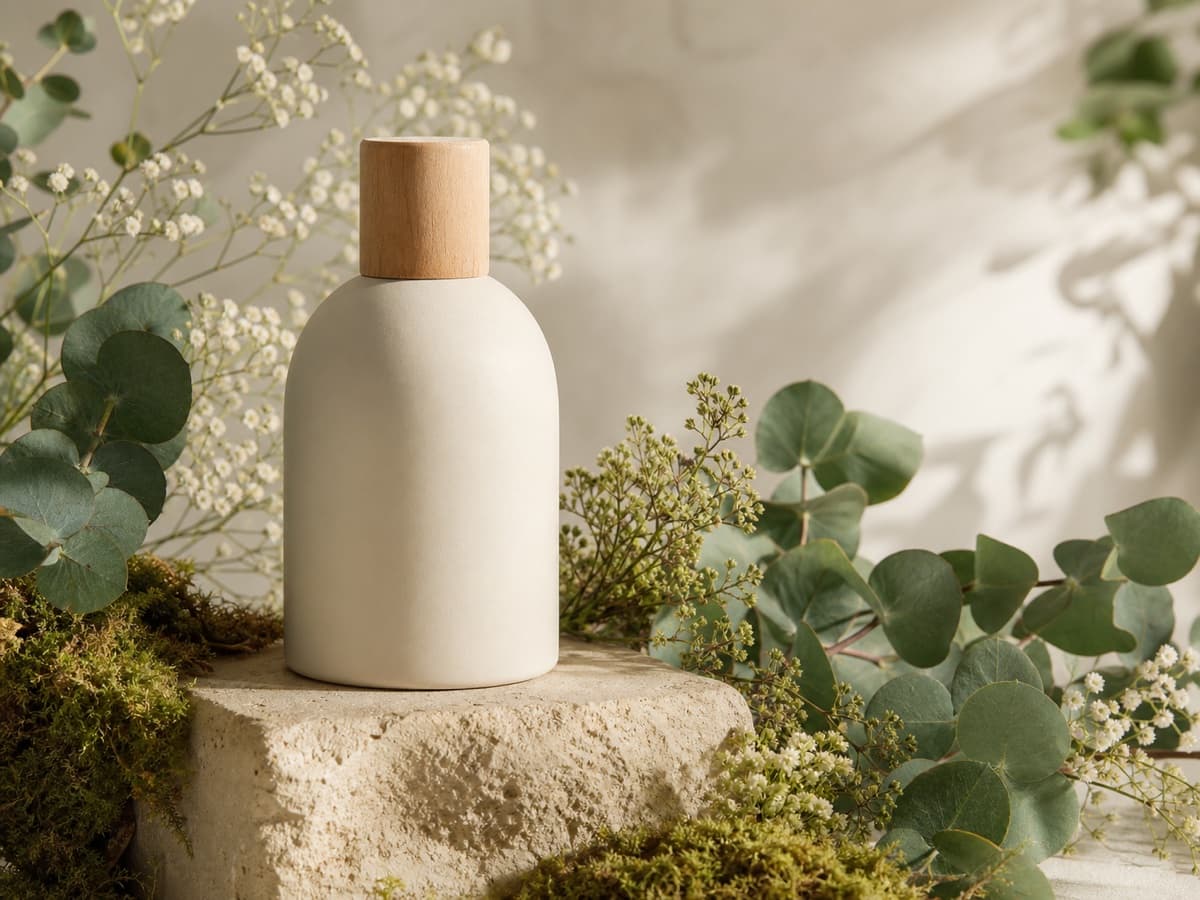
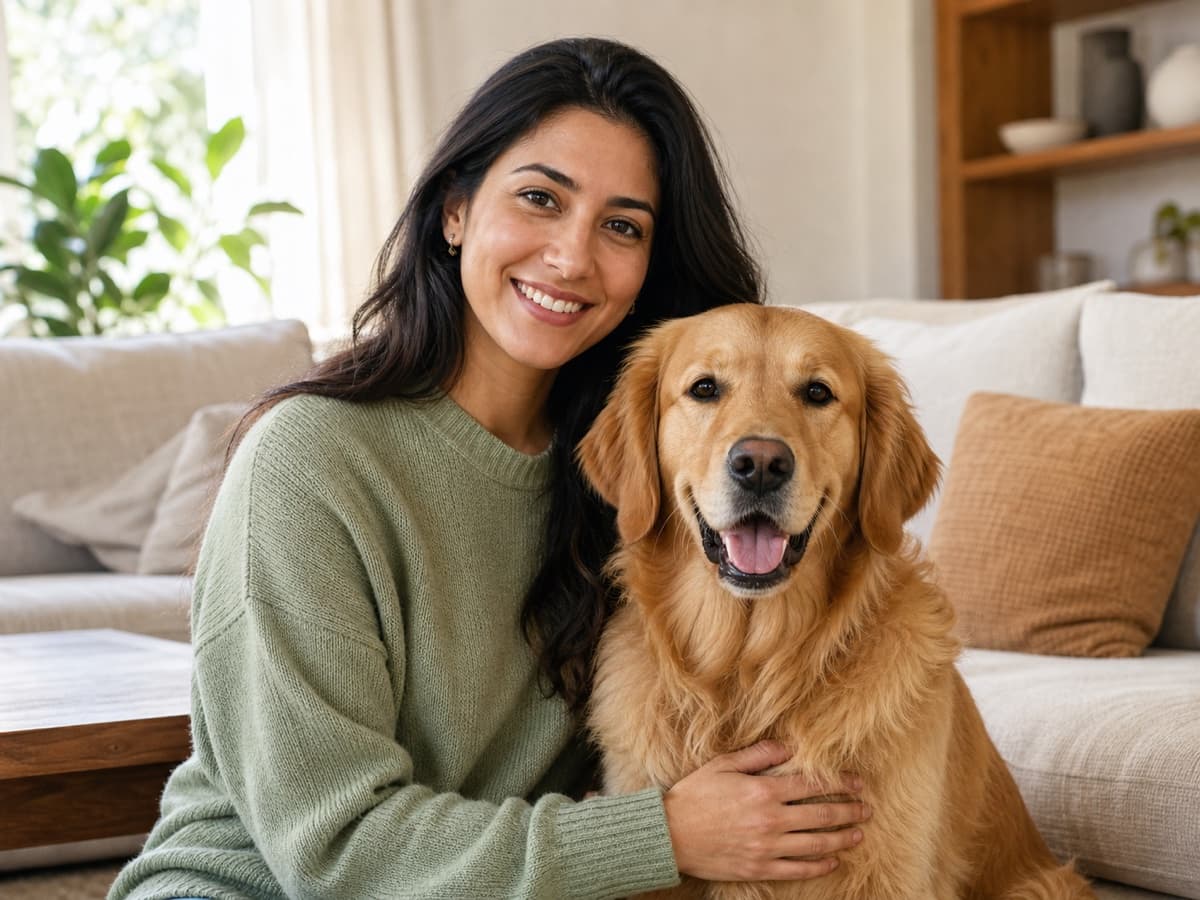
An AI image combiner interprets several source images and generates a new picture that brings their subjects, objects, styles, or environments together. It can adjust scale, camera angle, shadows, depth, and color so the final result feels like one composition. This makes it different from a conventional collage maker, which keeps each uploaded image in a separate frame.
The tool is most useful when the relationship between the inputs matters: two people should appear beside each other, a product should sit naturally on a table, a pet should look toward its owner, or an object should inherit the atmosphere of another scene. A clear prompt gives the model the missing art direction that cannot be inferred from the source files alone.
AI generation is probabilistic, so facial identity, fine text, logos, fingers, reflections, and exact geometry may change between attempts. Treat the first result as a draft. Review important details, revise one instruction at a time, and keep the strongest version. For exact pixel placement or a lossless side-by-side layout, use the separate Image Stitch tool instead.
Need subjects rebuilt into one believable photograph? Use AI Image Combiner. Need original pixels arranged in a horizontal, vertical, or grid layout? Use Image Stitch. Keeping these two search intents separate prevents the new page from competing with the existing stitching page.
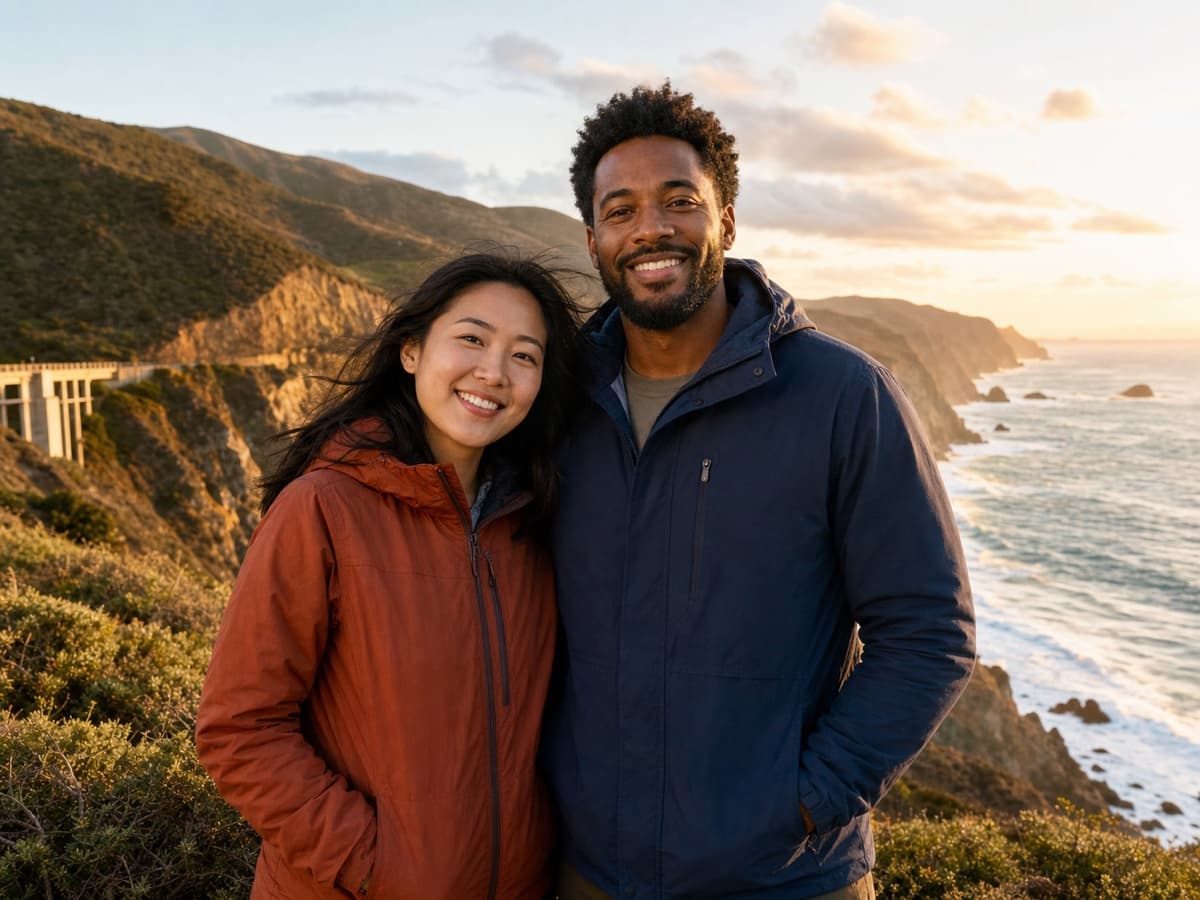 AI-generated example